 Jeremy Neely
Text Jeremy
Jeremy Neely
Text Jeremy
AI & Agents · Beta
Secure AI for Excel
Chat with any Hatz AI model inside Excel and let it do the work.
Built for: Secure AI clients and AME staff who work in Excel
The problem
Secure AI clients wanted an AI that works inside Excel on the Hatz models and credits they already pay for. Copying between a chat window and a spreadsheet is slow, and an AI that edits a workbook needs guard rails.
What I built
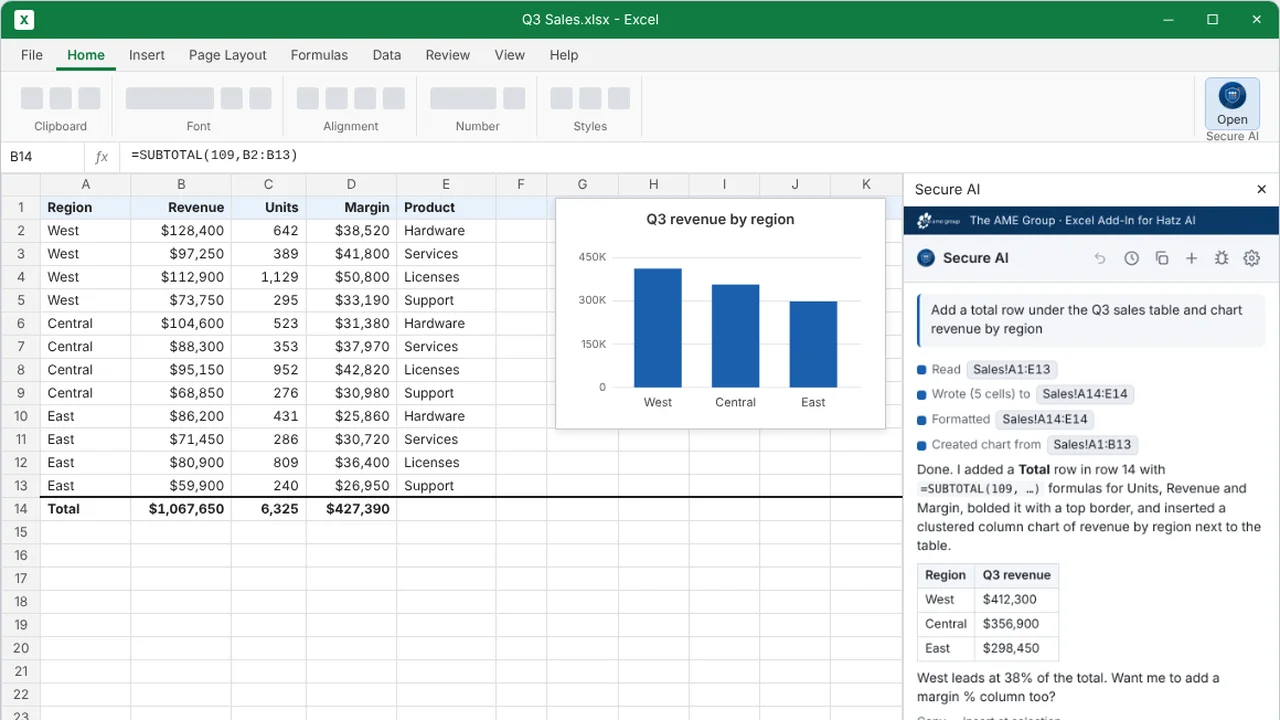
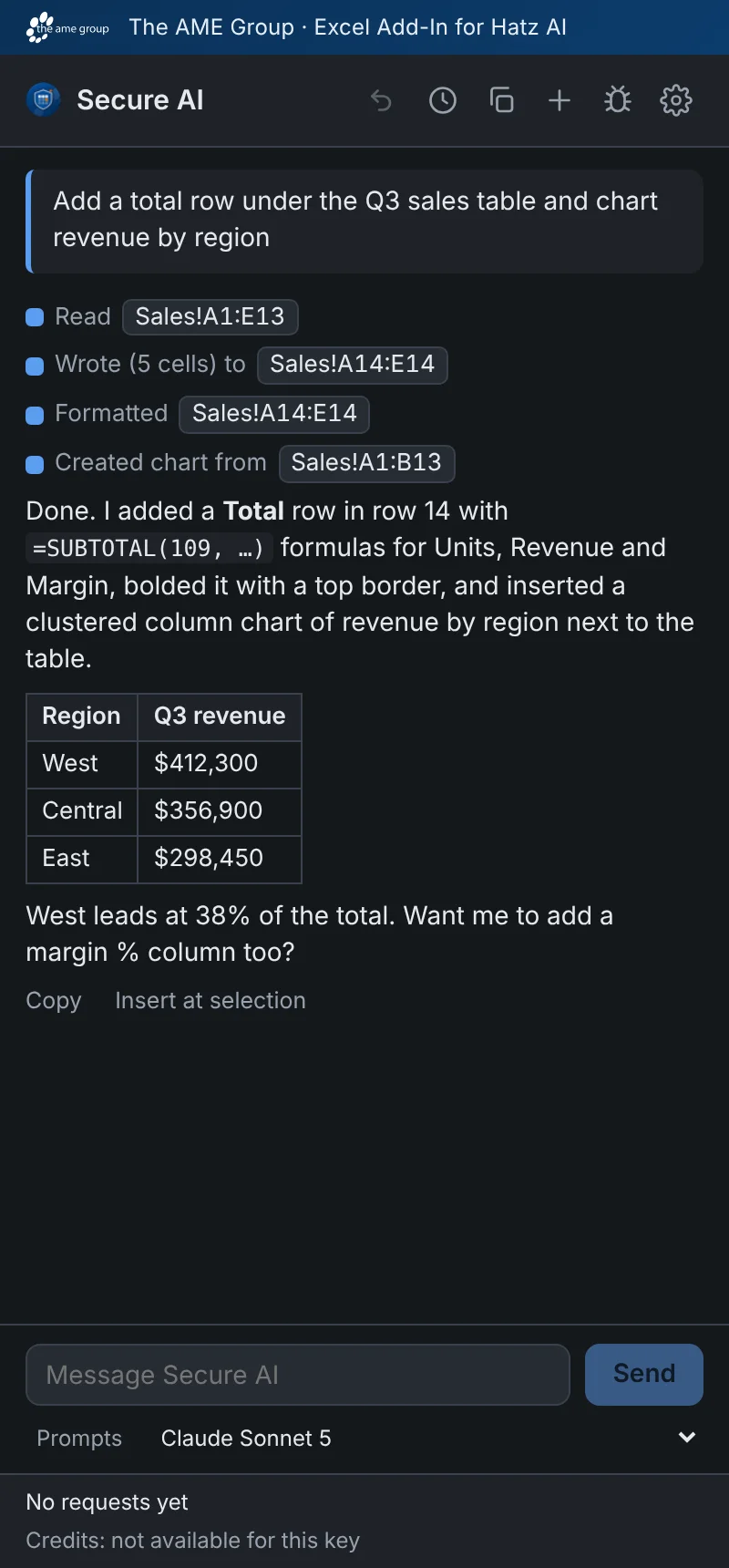
I built an Excel task-pane add-in that lets a user chat with a Hatz model about the open workbook and have it act through 22 typed Excel tools. It has confirmations, undo and spending limits, and no backend.
How it works
- Install through Microsoft 365 or a no-admin sideload installer.
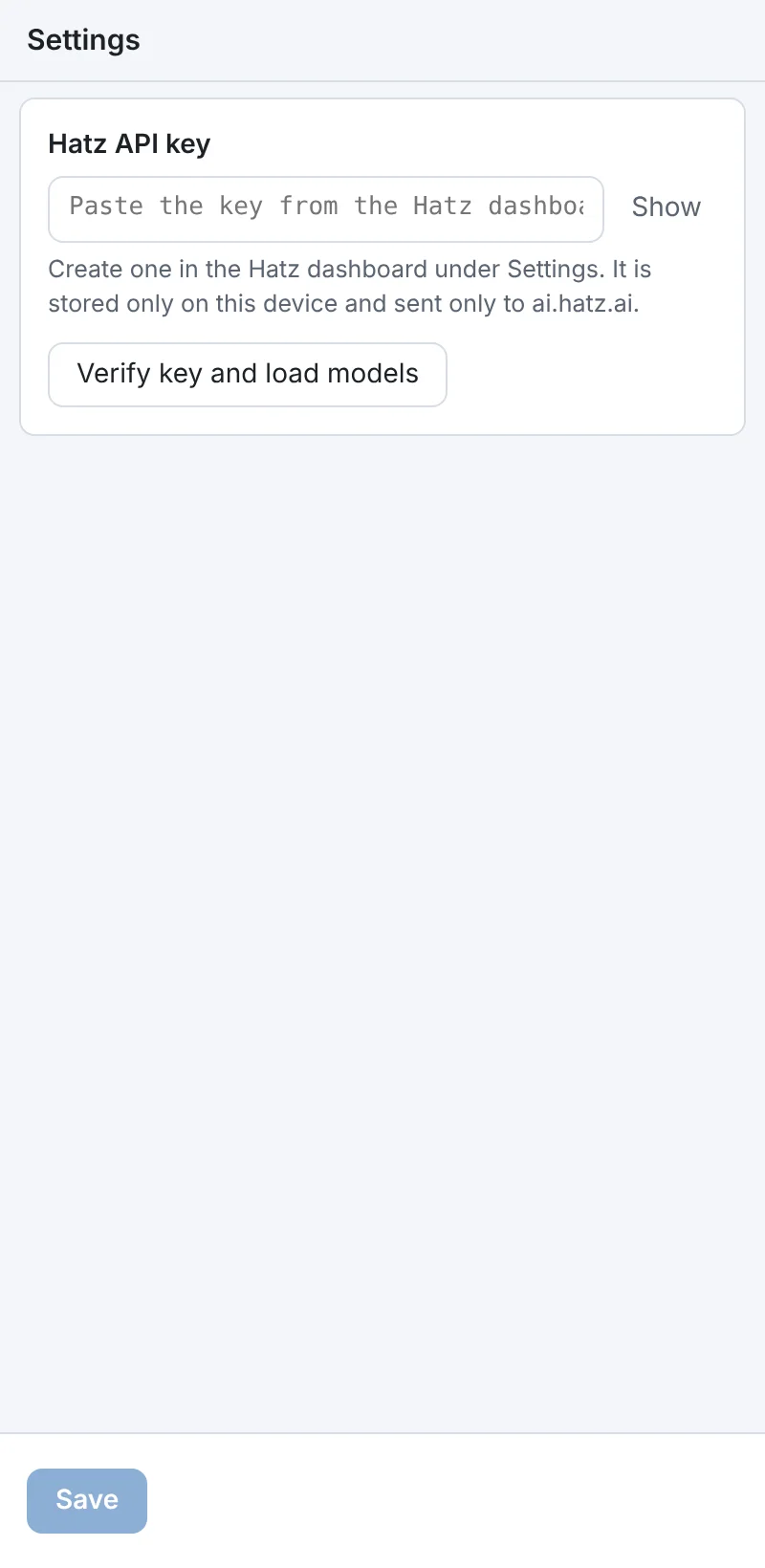
- Paste a Hatz API key and pick a model.
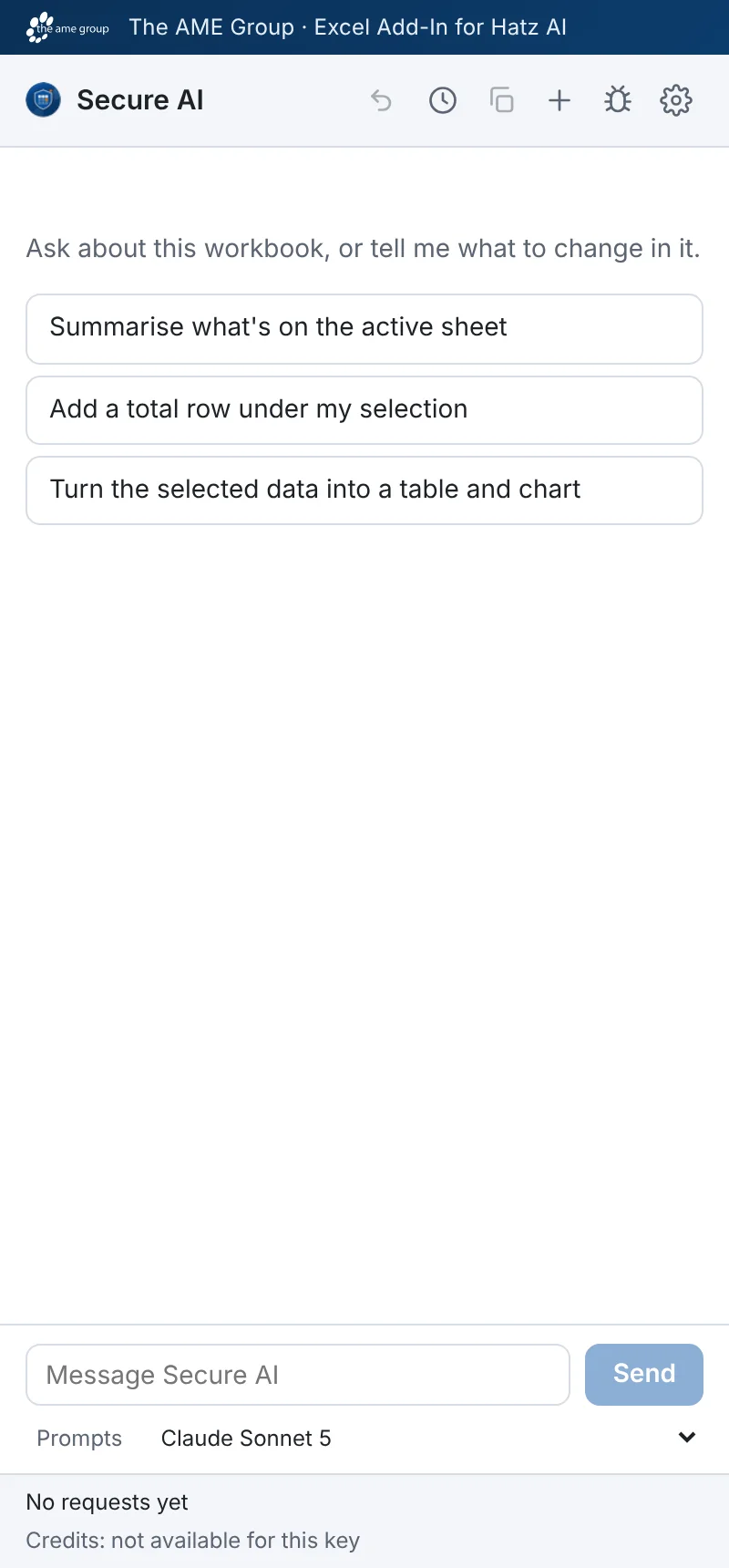
- Ask a question; a short overview of the workbook goes with it.
- The model calls tools such as read, write, sort, chart and pivot.
- Risky steps ask first, and Undo reverses the last request.
Built with
- TypeScript
- React 18
- Vite 6
- Office.js
- Vitest
- Azure Static Web Apps
More of Jeremy's work
Web Apps & Dashboards
Security & Compliance
Documents & OCR
- OCR WatchReads handwritten parts sheets on the PC and flags only uncertain entries.
- AME-XDOCMoves hundreds of Word documents to a new template, and checks itself.
- Meeting Executive Summary EmailA 30-second meeting summary page, with the detail one click away.
- OCR Review StudioUpload a scan, check OCR line by line, tune it, export Markdown.
AI & Agents
- AME MCP ServerOne governed doorway between AI assistants and business systems.
- CAD Drawing IndexLets staff ask their AI assistant what is inside AutoCAD drawings.
- Secure AI Hatz TipsFact-checked how-to answers inside the AI chat customers already use.
- Hatz User WatchWarns admins before any person runs out of AI credits.
- AI Hours TrackerAI interviews staff and writes up each AI time-saving win for leadership.
- Meeting Summary BuilderTurns a Teams or Zoom transcript into a branded Word meeting summary.
- Hatz Usage WatchTray app that tracks every Hatz AI client's monthly credit use and warns early.
- TokenXMeasures what each Hatz AI model really costs, then helps people choose.
- FollowUp AITracks sent emails still waiting on a reply and helps close them.
- localzeroInbox-zero triage for Outlook Classic, run locally with Claude.
- Secure AI Advanced ChatSaved-prompt workspaces for Claude through the Hatz AI gateway.
- Hatz Admin ToolkitAdmin tools for moving users and bulk-assigning roles in Hatz AI.
- Secure AI Process MapThe 90-day Secure AI onboarding program on one clickable page.
Desktop Apps
- MDViewA portable Markdown reader and editor for Windows, one file, no install.
- CommCentralTeams, Outlook, calendar, inbox KPIs and an AI assistant in one window.
- N-ToolsOne portable Windows toolkit to diagnose, repair and document a PC.
- TicketNotesTime tracker that drafts Q360 timebill notes with AI.
- Activity LogRecords your workday and turns any time range into a ticket write-up.
- PriorityNotifyVIP emails and Teams chats that break through meetings and mute.
- MeetingRemindMeeting reminders that check you actually joined the call.
- MyDashA self-building launcher for every tool in a scripts folder.
- AppWatcherKeeps important tray apps running and alerts when they keep failing.